
'Does Spotify Transcribe Podcasts? Availability Explained'
'Spotify provides transcripts for some podcast episodes. Learn what listeners and creators can access, and what to do when a transcript is missing.'
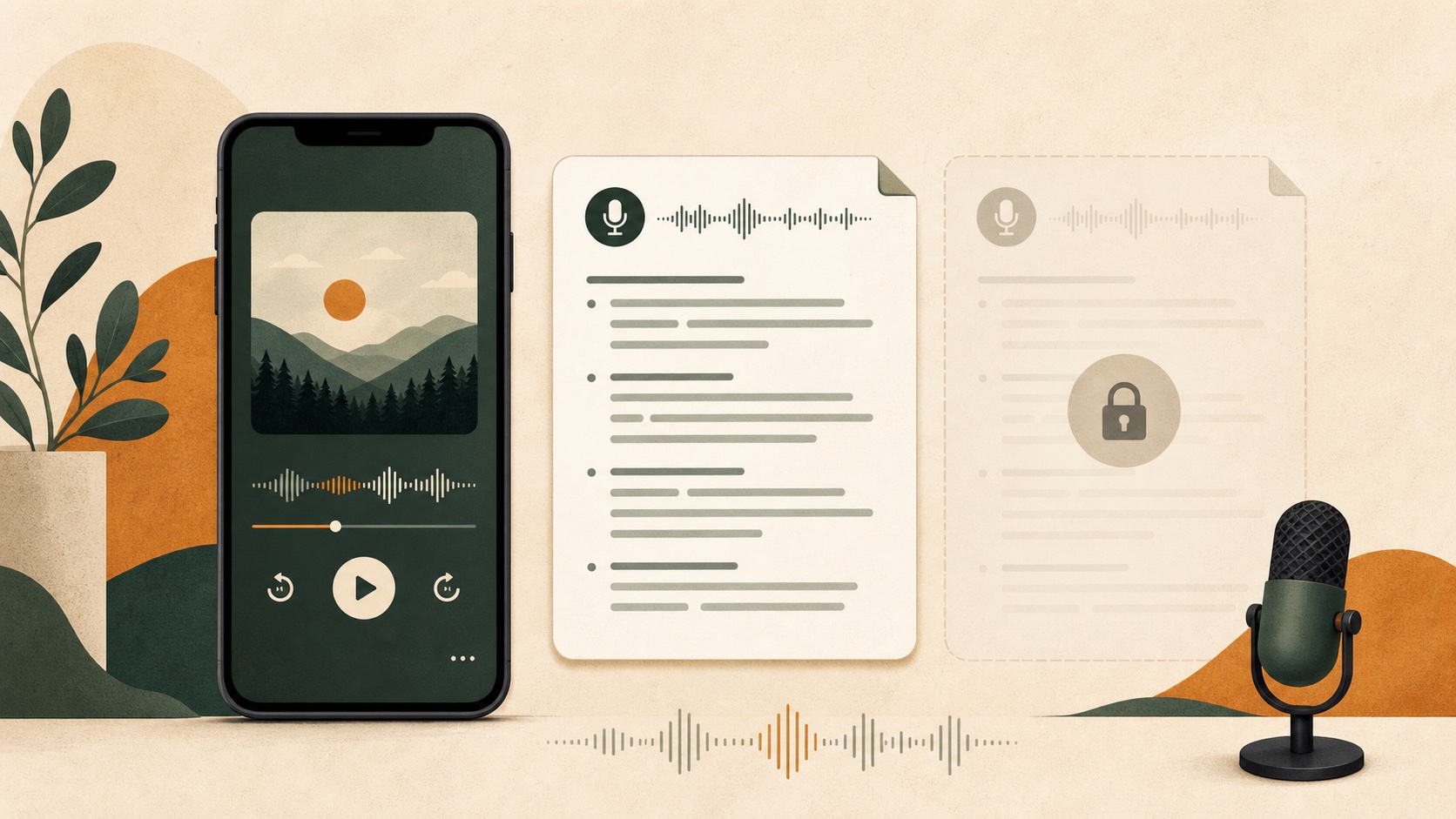
Spotify does transcribe some podcasts, but not every show or episode has the feature. Availability also looks different depending on whether you are listening to a podcast or managing one through Spotify for Creators.
That distinction explains a lot of the confusion. A listener may see no transcript on an episode while the creator has transcript controls on the web. Another show may have an auto-generated transcript visible in the mobile app but no way for a listener to download it as an editable document.
What listeners can see
For supported episodes, Spotify displays a transcript in the Now Playing view or on the episode page in its mobile app. The text follows the episode as it plays, which is useful for reading along or finding a section you missed.
There is no guarantee that the next podcast you open will have one. Spotify states that transcripts are available for some shows, not the full catalogue.
If you cannot find a transcript:
- Check the episode in the Spotify mobile app, not only the desktop player.
- Open the individual episode page.
- Confirm that the app is current.
- Try another recent episode from the same show.
If the option still is not there, the episode probably does not currently expose a listener transcript through Spotify.
What podcast creators can do
Eligible publishers get more control in Spotify for Creators on the web. According to Spotify's current documentation, a creator can:
- View an episode transcript
- Download an auto-generated transcript as VTT
- Upload a replacement transcript in VTT or SRT format
- Turn transcripts on or off
- Choose whether to distribute transcripts through the podcast RSS feed
Spotify does not currently let creators edit the transcript directly in Spotify for Creators. The documented workflow is to download the file, edit it elsewhere, and upload the corrected version.
Uploaded transcript files need timestamps so the text can stay in sync during playback. Spotify accepts VTT or SRT files up to 5 MB. The details and eligibility notes are in Spotify's episode transcript documentation.
Why some Spotify podcasts have no transcript
There is rarely a useful error message for a listener. Several different situations can look the same from the outside.
The show is not eligible yet
Spotify says transcripts are not available to all creators. Feature availability can therefore vary even between active shows.
The creator turned transcripts off
Creators with access to the feature can control transcript display for individual episodes or the whole show.
The episode has no suitable transcript file
A publisher-supplied transcript must use an accepted format and include timestamps. Problems with the file or the podcast host can prevent it from syncing.
You are checking the wrong Spotify surface
Listener transcripts are associated with the mobile app experience, while creator management happens on the Spotify for Creators website. Features are not identical across mobile, desktop and creator tools.
The episode itself is unusual
Private, removed or restricted episodes do not behave like ordinary public podcast releases. Video shows and dynamically assembled episodes may also have different availability.
Is Spotify's transcript the same as an editable podcast transcript?
Not quite.
The listener transcript is designed for reading inside Spotify. A creator may be able to download a VTT file, but that access belongs to the publisher's account. If you need to research, quote or repurpose a public episode, you may want a separate editable transcript with timestamps.
That is where an external workflow is useful. A tool can take the public episode link, locate the podcast audio made available by the publisher, and create a working transcript without relying on Spotify's listener display.
The CastToAny Spotify podcast transcript generator is built for that job. It does not extract music or bypass protected content. It resolves public podcast episodes through the information and audio the publisher makes available.
Spotify transcript versus generated transcript
| Need | Spotify listener transcript | Spotify for Creators | Generated transcript |
|---|---|---|---|
| Read along in the app | Yes, when available | Not the main use | No app sync |
| Edit the text | No | Download, edit and re-upload | Yes |
| Download a file | Not a general listener feature | VTT for eligible creators | SRT, VTT or text, depending on the tool |
| Use an episode you do not publish | Read only, when available | No | Public episodes only |
| Create show notes or a summary | No | No | Available after transcript review |
The right option depends on the task. If you only want to follow the conversation, Spotify's built-in transcript is the simplest answer. If you own the show, use Spotify for Creators. If you need editable text from a public episode that has no usable transcript, generate one separately.
Can podcasters add their own transcript?
Yes, if transcript controls are available for the show. Spotify accepts SRT and VTT uploads with timestamps. That means a podcaster can correct names, remove obvious recognition errors and publish a cleaner version than an unchecked automatic transcript.
If you have audio but no subtitle file, start by creating an SRT file from the recording. Check the text and timing before uploading it to any podcast or video platform.
What to do when a transcript is missing
For a listener who only needs a few lines, replaying the relevant minute may be faster than processing a full episode. For a long interview, research project or publishing workflow, create a complete transcript.
The practical sequence is:
- Check Spotify's episode page in the mobile app.
- Look for a transcript on the podcast publisher's own website.
- If you publish the show, check Spotify for Creators.
- For another public episode, copy its episode link and generate an editable transcript.
The step-by-step version is covered in How to get a transcript of a Spotify podcast episode.
If you already have the episode URL, the Spotify transcript tool can confirm whether CastToAny can resolve the public podcast source before transcription begins.